Language Server
alphaTab ships an alphaTex language server as the NPM package @coderline/alphatab-language-server. It is written in TypeScript and distributed as a JavaScript executable.
[!INFO] For background on language servers and the Language Server Protocol, read Microsoft's overview: https://microsoft.github.io/language-server-protocol/
The server builds on vscode-languageserver-node, which provides the base framework for running language servers in Node.js and in browsers.
The sections below describe the individual features the server and package deliver.
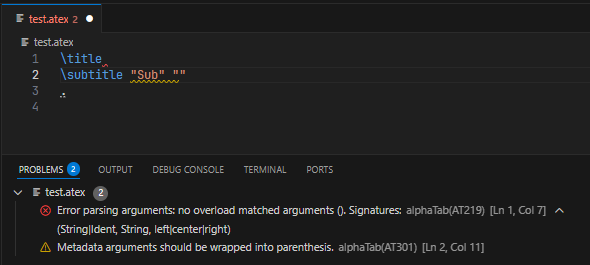
Diagnostics
The core job of the language server is to listen for document changes and parse the source of each document.
The server implements Pull Diagnostics. It does not Publish Diagnostics.
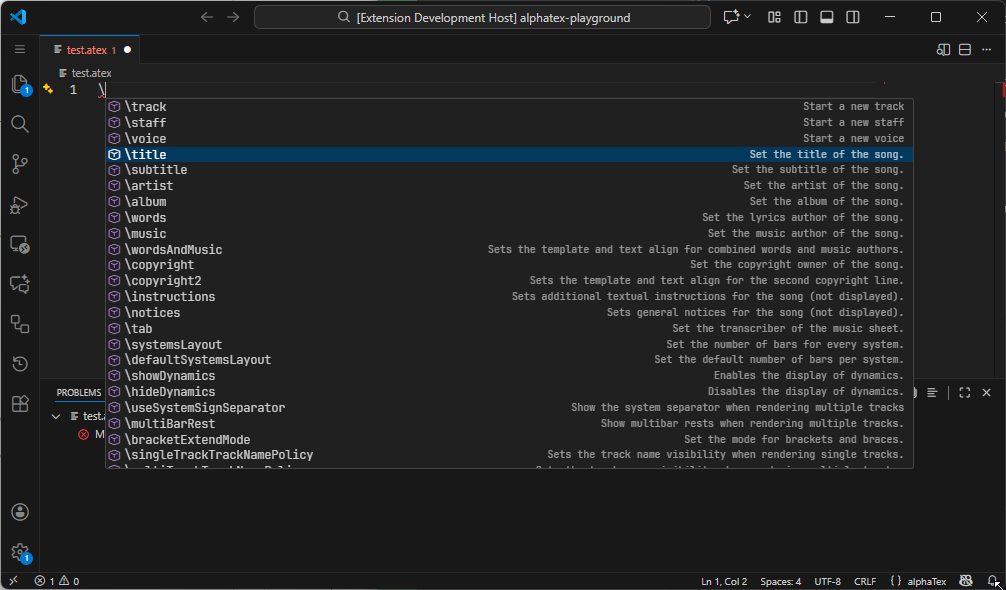
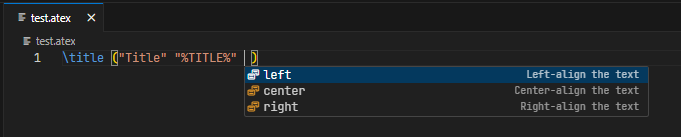
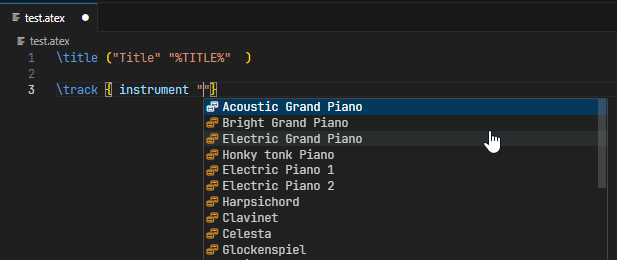
Code Completions
The server delivers contextual code completions, including:
- Available metadata tags
- Available properties
- Available values (enum members, for example)
Documentation Hovers
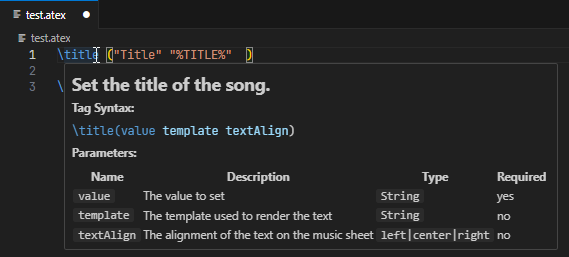
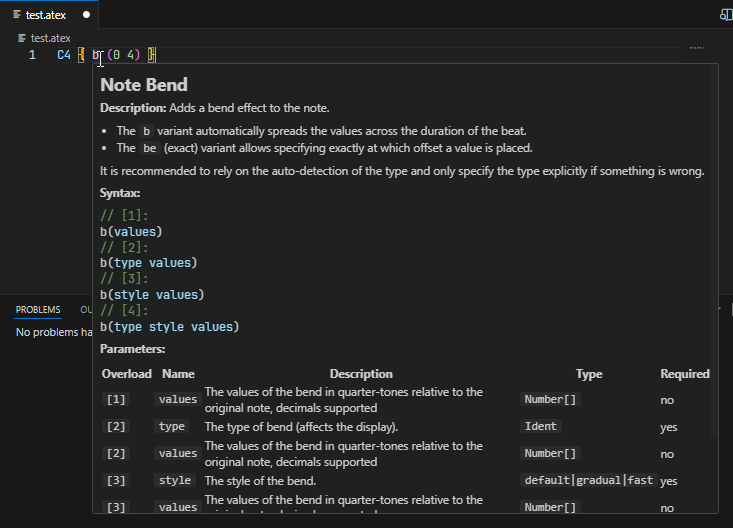
The server ships hover documentation for every documented element. The same way your editor surfaces doc comments for your host language, it now shows alphaTex descriptions inline — no context switch needed to look up a tag or property.
Signature Help
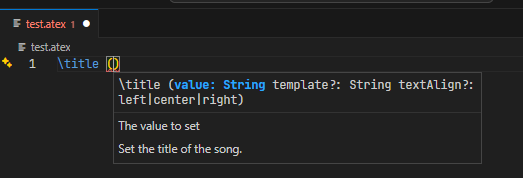
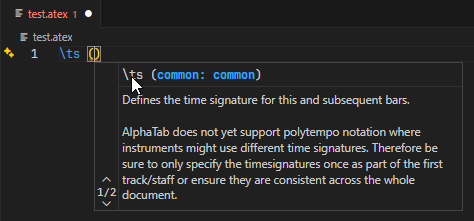
When you pass arguments to a metadata tag or a property, the server shows signature help with the parameters and accepted values for each overload.
alphaTex language definition
TextMate Grammar
The package ships a basic TextMate grammar for alphaTex, so VS Code, Monaco, and any other TextMate-compatible editor can syntax-highlight the language. The grammar is exposed as a JavaScript object — write it to disk as JSON or pass it directly to compatible components.
import { textMateGrammar } from '@coderline/alphatab-language-server';
import fs from 'node:fs';

await fs.promises.writeFile('alphatex.tmLanguage.json', JSON.stringify(textMateGrammar, null, 2));
Language Configuration
Alongside the grammar the package exports a language configuration that describes comments, brackets, and related editor behaviour.
import { languageConfiguration } from '@coderline/alphatab-language-server';
import fs from 'node:fs';

await fs.promises.writeFile('language-configuration.json', JSON.stringify(languageConfiguration, null, 2));
Documentation
The package also exports raw access to every alphaTex language element. These definitions power the documentation hovers inside the server, and they generate the reference pages listed in the side menu.
import { documentation } from '@coderline/alphatab-language-server'

const tupletProperty = documentation.beatProperties.get('tu');